
SEO for Success: Why WordPress is the best choice for businesses that want to rank #1 on Google.

post

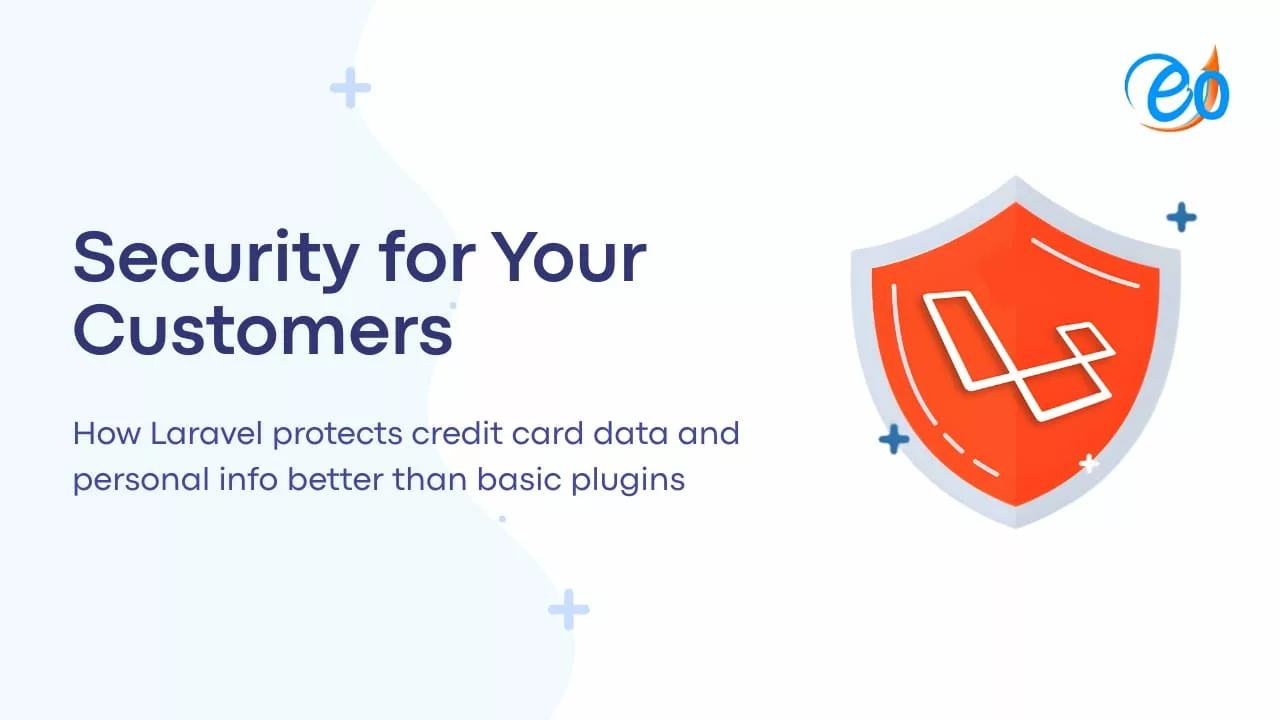
Security for Your Customers: How Laravel protects credit card data and personal info better than basic plugins.

In the competitive world of e-commerce and digital services, security isn’t just a technical requirement—it is the foundation of customer trust. When a user enters their credit card details or personal information on your site, they are handing you the “keys” to their financial life.

Many businesses start with “off-the-shelf” CMS platforms or basic plugins to handle these transactions. However, as cyber threats become more sophisticated, these generic solutions often fall short. At Eocambo, we specialize in building high-performance, secure systems using Laravel, the PHP framework designed for developers who prioritize security.

Here is why Laravel protects your customers’ data better than basic plugins.

1. Robust Encryption vs. Plugin Vulnerability

Basic plugins often store data using standard encryption or, in worst-case scenarios, outdated methods that are easy for hackers to crack. Laravel uses the AES-256 and AES-128 encryption via the OpenSSL library.

Every piece of sensitive data—whether it’s a customer’s address or a stored token—is encrypted using a unique “App Key.” This ensures that even if a database is breached, the information remains unreadable and useless to the attacker.

2. Built-in Defense Against SQL Injections

One of the most common ways hackers steal personal info is through SQL injection, where they “trick” a website’s database into revealing all its records. Many basic plugins are susceptible to this because they use poorly written queries.

Laravel’s Eloquent ORM uses PDO parameter binding by default. This means every piece of data a customer enters is automatically sanitized, making it virtually impossible for malicious code to reach your database.

3. Protection Against Cross-Site Request Forgery (CSRF)

Imagine a customer is logged into your site, and a malicious third-party site triggers a hidden request to change that customer’s password or shipping address. This is a CSRF attack.

While many plugins require additional configuration (which is often forgotten) to prevent this, Laravel has CSRF protection built into its core. It generates a unique security token for every active user session, ensuring that every request made to your server is legitimate and authorized.

4. Professional Handling of Payment Data (PCI Compliance)

Handling credit card data directly is a massive liability. Basic plugins often attempt to process this data on your server, which can lead to catastrophic data leaks if the plugin has a “backdoor.”

With Laravel, we integrate industry-leading payment gateways (like Stripe or Braintree) using official, secure SDKs. This ensures that credit card data never touches your server. Instead, it is exchanged for a secure “token.” This method not only keeps your customers safe but also makes your business PCI-compliant with minimal effort.

5. Regular Updates vs. Abandoned Plugins

The “plugin graveyard” is a major security risk. Many free or cheap plugins are eventually abandoned by their creators, leaving unpatched security holes.

Laravel is backed by a global community of experts and a dedicated core team that releases frequent security patches. When we build a custom system for you, we ensure your “tech stack” is modern, supported, and proactively defended against the latest threats.

Secure Your Business Today

In a digital-first economy, a single data breach can destroy a brand’s reputation overnight. Don’t leave your customers’ safety to a $20 plugin. By choosing a custom Laravel solution, you are investing in a fortress for your data.

At Eocambo, we help businesses transition from vulnerable, “basic” setups to enterprise-grade systems tailored to their specific needs.

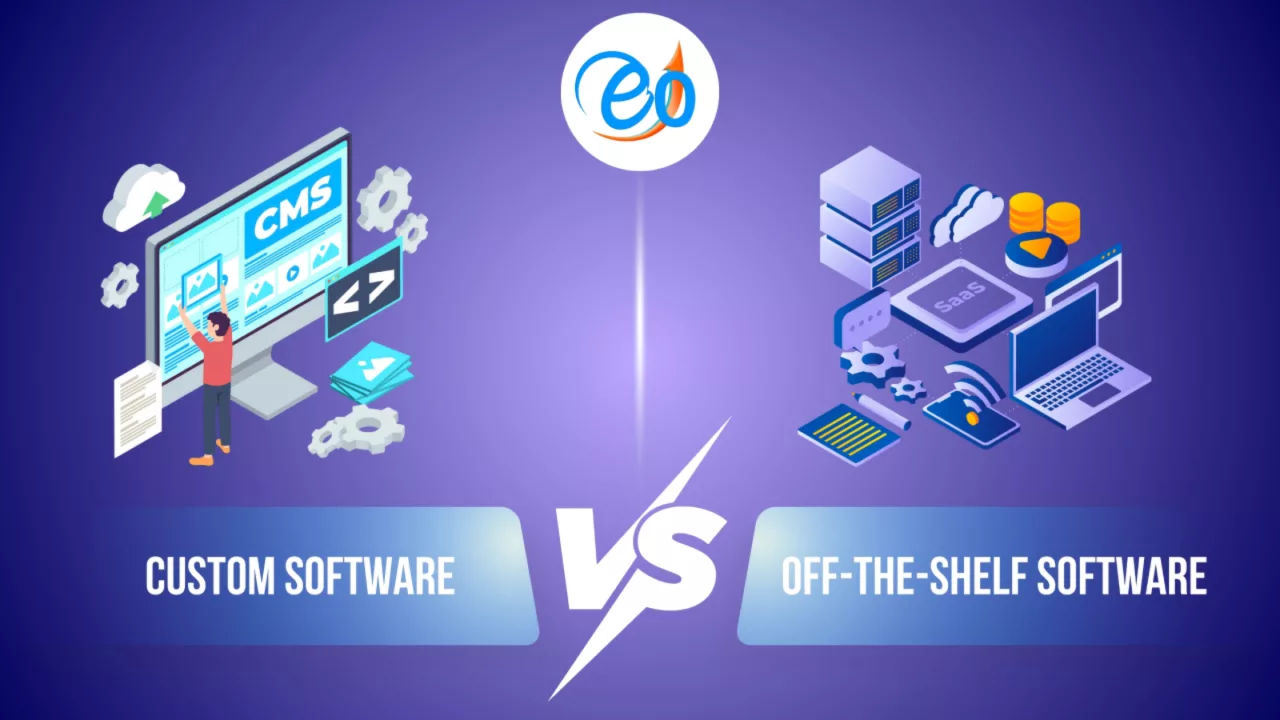
Off-the-Shelf vs. Custom Software: The Build vs. Buy Debate

In the modern business landscape, technology is the engine of growth. Whether you are a startup looking to scale or an established enterprise aiming to optimize operations, one critical question eventually arises: Should we buy a ready-made solution or build our own from scratch?

This is the “Build vs. Buy” debate—a strategic crossroads that can impact your company’s efficiency, budget, and long-term scalability. To help you decide, let’s break down the pros and cons of each approach.

Off-the-Shelf Software (The “Buy” Side)

Off-the-shelf software refers to ready-to-use applications designed for a broad audience. Examples include Microsoft 365, Salesforce, or specialized industry tools.

The Pros:

  • Rapid Deployment: You can sign up and start using the software almost instantly. There is no development lead time.

  • Lower Initial Cost: Since the development cost is spread across thousands of users, the upfront price or monthly subscription is usually much lower than building a custom tool.

  • Reliability & Support: These products are vetted by thousands of users. Updates, security patches, and customer support are handled by the vendor.

The Cons:

  • Lack of Customization: You are forced to adapt your business processes to the software’s workflow, rather than the other way around.

  • Hidden Costs: While the entry price is low, “feature creep” (paying for premium tiers) and per-user licensing fees can become expensive as you grow.

  • No Competitive Edge: Because your competitors can buy the exact same tool, the software itself provides no unique advantage.

Custom Software (The “Build” Side)

Custom software is built from the ground up to meet your specific business requirements, workflows, and goals.

The Pros:

  • Tailored Perfection: The software is designed to fit your business like a glove. It does exactly what you need and nothing you don’t.

  • Scalability & Ownership: You own the intellectual property. As your business evolves, you can add features or pivot the technology without waiting for a vendor’s roadmap.

  • Seamless Integration: Custom tools can be built to communicate perfectly with your existing internal systems, eliminating data silos.

The Cons:

  • High Initial Investment: Developing custom software requires a significant upfront investment in terms of time and capital.

  • Longer Wait Times: It can take months (or longer) to move from the discovery phase to a fully functional product.

Which Is Right for You?

The decision usually comes down to two factors: Strategic Value and Complexity.

  1. Buy if: The software performs a “utility” function (like email, accounting, or basic HR) that doesn’t define your unique value proposition.

  2. Build if: The software is your product, or if your business processes are so unique that no existing tool can handle them without massive workarounds.

Finding Your Solution

Navigating the choice between off-the-shelf efficiency and custom-built power doesn’t have to be a solo journey. At Eocambo Technology, we specialize in bridging the gap between business needs and technological excellence.

If you are looking for battle-tested tools that are ready to go, explore our solutions to see how we help businesses streamline their operations today.

Still not sure which path is right for your specific project? Our team of experts is ready to help you weigh the costs and benefits. Contact us today to start a conversation about your digital transformation.

Preparing a Project Brief: How to Get the Best Quote from a Dev Agency.

Getting a development agency to understand your vision and provide an accurate quote can feel like a daunting task. The key to success isn’t just finding the right agency, but giving them the right information. A well-prepared project brief is your secret weapon, ensuring clarity, minimizing revisions, and ultimately, securing the best possible quote for your project.

Why a Strong Project Brief is Non-Negotiable

Imagine asking a builder for a quote on a house without providing blueprints or even a clear idea of how many rooms you need. It’s an impossible task, leading to inflated estimates, missed expectations, and frustration. The same applies to software development. A detailed brief helps agencies:

  • Understand Your Vision: They can grasp the core problem you’re solving and your desired outcome.

  • Estimate Accurately: With clear requirements, they can better scope the work, leading to more precise and competitive quotes.

  • Identify Potential Challenges: Early identification of complexities allows for proactive solutions and better planning.

  • Streamline Communication: It serves as a foundational document, reducing back-and-forth and misinterpretations.

So, how do you create a brief that stands out and gets you the best results? Let’s break it down.

1. Start with the “Why”: Project Overview and Goals

Don’t dive straight into features. Begin by providing context.

  • Executive Summary: A concise overview of your project. What is it? What problem does it solve?

  • Business Goals: What do you hope to achieve with this project? (e.g., increase sales by 20%, improve customer engagement, automate internal processes). Be specific and measurable.

  • Target Audience: Who will be using this product? Understanding their needs and pain points is crucial for design and functionality decisions.

2. Define the “What”: Scope and Features

This is where you detail what the agency will actually be building.

  • Key Features & Functionality: List out the essential features. For each, describe what it does and why it’s important. Prioritize them (must-have, nice-to-have, future-phase).

  • User Journeys (Optional but Recommended): How will a typical user interact with your product? Mapping out these paths can clarify functionality.

  • Technical Requirements (If Known): Are there any specific technologies you prefer or systems it needs to integrate with? (e.g., “must integrate with our existing CRM,” “needs to be built on a specific framework”).

  • Current State vs. Desired State: If this is an improvement or migration of an existing system, clearly articulate its current limitations and your desired improvements.

3. Consider the “How Much” and “When”: Budget & Timeline

While you’re seeking a quote, providing a realistic range can help agencies tailor their proposals.

  • Budget Range: Instead of a single number, offer a range (e.g., “$50,000 – $70,000”). This helps agencies understand your expectations and propose solutions that fit.

  • Timeline Expectations: When do you ideally need this project completed? Be realistic, but also communicate any hard deadlines.

  • Phased Approach: Are you open to developing the project in phases (e.g., an MVP first, then additional features)? This can be a great way to manage budget and risk.

4. Visuals and Supporting Materials

A picture is worth a thousand words, especially in development.

  • Wireframes/Mockups: Even rough sketches can convey your ideas far better than text alone. Tools like Figma, Sketch, or even pen and paper can be used.

  • Competitor Analysis: Point out similar products or features you like (or dislike) and explain why.

  • Brand Guidelines: If design is part of the project, share your brand identity, colors, and fonts.

  • Examples: Provide links to websites or apps that have functionality or aesthetics you admire.

5. Your Team and Communication Style

Give the agency a sense of who they’ll be working with.

  • Key Stakeholders: Who will be the primary contact? Who makes final decisions?

  • Preferred Communication: How do you like to communicate (email, video calls, project management tools)?

  • Reporting: How often do you expect updates and in what format?

6. The Nitty-Gritty: Legal and Administrative

Don’t forget the practical details.

  • RFP/RFQ Process: If you have a formal Request for Proposal process, outline it clearly.

  • Submission Requirements: What do you expect in their proposal (e.g., team structure, case studies, detailed breakdown of costs)?

  • Confidentiality: If your project involves sensitive information, mention your requirements for Non-Disclosure Agreements (NDAs).

Putting It All Together for the Best Quote

A comprehensive project brief demonstrates professionalism and a clear understanding of your needs. It empowers development agencies to respond with accurate, well-thought-out proposals that truly reflect the scope of work.

By investing time upfront in preparing a detailed brief, you’re not just asking for a quote; you’re setting the foundation for a successful partnership and a project that meets your expectations.

Looking for solutions that fit your business? Explore our range of products and services: https://eocambo.com/our-solutions/

Ready to discuss your project? Get in touch with us: https://eocambo.com/contact-us/

Data Security: Is Your Internal System Vulnerable to a Breach?

In today’s digital-first economy, data is the lifeblood of every business. Whether you are managing supply chains through an ERP or processing customer transactions on an e-commerce platform, your internal systems house a treasure trove of sensitive information.

However, many businesses operate under a false sense of security, believing that “small-scale” operations or “internal-only” systems are off the radar for cybercriminals. The reality is quite the opposite: internal vulnerabilities are often the easiest entry points for a devastating breach.

The Hidden Risks in Your Internal Infrastructure

A data breach isn’t always a high-tech “hack” like you see in movies. More often, it is a result of structural weaknesses within your business software.

  • Legacy System Gaps: Older, “patchwork” systems often lack the encryption standards required to fend off modern threats.

  • Poor Access Control: If every employee has administrative access to your entire database, one compromised password can bring down the whole company.

  • Insecure API Integrations: When your website or app talks to your internal database, that bridge (the API) is a prime target if not properly secured.

Custom vs. Off-the-Shelf: Which is Safer?

Many businesses start with generic, one-size-fits-all software. While convenient, these systems are “open books” for hackers who study their public source code to find universal backdoors.

This is where Custom Solutions provide a distinct advantage. By building a system tailored specifically to your workflow, you can implement proprietary security layers and “Security by Design” principles. At Eocambo Technology, we specialize in building secure, scalable systems—from custom ERPs to high-performance e-commerce engines—designed to keep your data under lock and key.

Check out our range of secure business tools: Explore Our Solutions

How to Identify if You Are at Risk

Ask yourself these three questions:

  1. Is your data encrypted at rest and in transit? If a hacker intercepts your data, can they read it in plain text?

  2. When was your last security audit? Systems require constant monitoring to stay ahead of evolving threats.

  3. Are your apps and web platforms synced securely? A vulnerability in your mobile app could lead directly to your internal server.

We have helped numerous clients migrate from vulnerable, fragmented setups to robust, integrated ecosystems that prioritize data integrity. You can see how we’ve implemented these secure architectures in our previous work.

See our successful projects in action: View Our Portfolios

Proactive Protection: The Best Defense

Data security is not a “set it and forget it” task. It requires a partner who understands the intersection of functionality and safety. Whether you need a ground-up custom ERP or a secure mobile app for your customers, ensuring your internal systems are breach-proof is the most important investment you can make this year.

Don’t wait for a “System Offline” notification to realize you have a vulnerability. Secure your future today.

From Spreadsheets to Software: When to Automate Your Operations

Every great business starts somewhere, and usually, that “somewhere” is a spreadsheet.

Spreadsheets are the Swiss Army knives of early-stage business. They are accessible, affordable, and infinitely flexible. You use them to track inventory, manage customer lists, calculate payroll, and forecast sales. When you have five employees and fifty customers, a well-organized Google Sheet or Excel file is all the “system” you need.

But as your business grows, the very tools that once helped you organize can start to hold you back. What used to take minutes now takes hours. Data starts slipping through the cracks. You realize you aren’t managing your business anymore; you are managing spreadsheets.

The transition from manual processes to automated software is one of the most critical inflection points in a company’s lifecycle. The biggest challenge isn’t the technology itself; it’s knowing when to make the leap.

Here is how to recognize the signs that your operations have outgrown spreadsheets and are ready for dedicated software.

The Hidden Costs of the “Spreadsheet Status Quo”

Before looking at the signs of change, it’s important to understand why relying on spreadsheets indefinitely is dangerous.

While they seem “free,” spreadsheets carry hidden costs as you scale:

  • Human Error: A misplaced decimal point or an overwritten formula can lead to disastrous financial mistakes that go unnoticed until it’s too late.

  • Version Chaos: “Who has the latest version of the Q3 forecast? Is it ‘Final_V3.xlsx’ or ‘REALLY_FINAL_V4.xlsx’?”

  • Information Silos: Your sales team’s spreadsheet doesn’t talk to your warehouse’s spreadsheet. The result is disjointed data and missed opportunities.

  • Lack of Real-Time Visibility: If you need to wait until the end of the month to know if you are profitable, you cannot make agile business decisions today.

5 Red Flags That It’s Time to Automate

Moving to a dedicated operational system—often called Enterprise Resource Planning (ERP)—is a significant step. You shouldn’t do it prematurely, but waiting too long stymies growth.

If you recognize any of these five scenarios in your daily operations, it is time to consider automation.

1. Your Team Spends More Time Importing Data Than Analyzing It

The 80/20 rule should apply to your data: 20% of your time gathering it, and 80% using it to make decisions.

If your key personnel are spending hours every week copy-pasting data from one sheet to another, reformatting CSV files, or manually entering invoices into an accounting system, you are wasting valuable human resources. Automation handles the repetitive data entry, freeing your team to do the high-value thinking you hired them for.

2. You Are Experiencing “Growing Pains” Errors

When volume increases, manual processes break. Perhaps you oversold products because inventory counts weren’t updated in real-time. Maybe a customer was billed incorrectly because two departments were looking at different pricing sheets.

When errors start happening not because of incompetence, but because the sheer volume of work is overwhelming your manual checks and balances, you need a system that enforces accuracy automatically.

3. You Cannot Answer Simple Questions Instantly

Imagine an important client calls and asks about the status of their complicated order. Can you give them an answer in thirty seconds? Or do you have to say, “Let me check with the warehouse, then check with shipping, and call you back in an hour”?

If you have to open five different files or query three different department heads to get a snapshot of your business health, your operations are disconnected. Software provides a “single source of truth”—one dashboard that tells you exactly where things stand.

4. Your Spreadsheets Are Crashing

This is a literal sign. If your master Excel file takes five minutes to open, frequently freezes, or has become so complex with nested macros that only one person in the company knows how to fix it if it breaks, you have functionally outgrown the tool. Relying on a fragile file for core operations is a massive business risk.

5. You Are Turning Down New Business Because You Can’t Handle the Admin Load

This is the most painful sign of all. Your sales team is bringing in customers, but operations is waving a white flag. If you are hesitating to scale because you know your current back-office processes will collapse under the new weight, your lack of systems has become the bottleneck for your company’s revenue.

The Next Step: Custom Solutions for Unique Problems

Moving away from spreadsheets doesn’t just mean buying expensive, off-the-shelf software that forces you to change how you work. Every growing business has unique operational quirks that generic software can’t address.

The goal of automation is to build a system that fits your processes, rather than bending your processes to fit a rigid system. This is where custom Enterprise Resource Planning (ERP) comes into play. A custom system connects your finance, inventory, sales, and operations into one seamless flow designed specifically for your business model.

If the red flags above sound familiar, it’s time to stop fearing the change and start exploring how dedicated software can unlock your next stage of growth. If you are ready to streamline your operations and leave the spreadsheet chaos behind, it might be time to explore custom solutions designed for your specific needs. You can learn more about how to approach this transition at https://eocambo.com/our-solutions/.

How Legacy Systems Are Holding Your Business Back

In the fast-paced world of digital business, sticking with what you know can sometimes be the riskiest move of all. “Legacy systems” outdated software, hardware, or processes might feel comfortable, but they often act as an invisible anchor, slowing down operations and draining resources.

While these systems may have served you well in the past, relying on them in today’s competitive market is a liability. Here is how holding onto outdated technology is quietly sabotaging your growth and why modernization is no longer optional.

1. The Hidden Costs of “Free” Maintenance

It is easy to assume that keeping an old system is cheaper than buying a new one. However, the maintenance costs of legacy software often far exceed the price of an upgrade. As technology evolves, finding technicians who understand outdated code or hardware becomes difficult and expensive.

Furthermore, legacy systems are inefficient. Your team likely spends valuable hours on manual workarounds, data entry, and fixing bugs—time that could be spent on innovation and sales.

2. Security Vulnerabilities

Cybersecurity is perhaps the most critical reason to move away from legacy systems. Older software stops receiving security patches and updates from developers, leaving “back doors” open for cybercriminals.

Modern systems come with built-in, up-to-date security protocols that protect your business and your customer’s sensitive data. Clinging to the past doesn’t just risk efficiency; it risks your reputation.

3. Inability to Scale

When your business grows, your technology needs to grow with it. Legacy systems are notoriously rigid. They struggle to integrate with modern tools like cloud computing, mobile apps, or advanced analytics.

If you want to expand into e-commerce, offer a mobile app to customers, or simply automate your inventory, an outdated system will likely say “no.” Modern solutions are designed to be flexible, allowing you to add new features and modules as you scale.

4. Poor Customer Experience

Today’s customers expect speed and convenience. They want to order online, track deliveries in real-time, and get instant support. Legacy systems often result in slow processing times and disjointed data, leading to frustrated customers who may take their business elsewhere.

By modernizing, you provide a seamless experience that builds loyalty and trust.

How We Can Help

At eOcambo Technology, we understand that transitioning from the old to the new can feel overwhelming. That is why we specialize in bridging the gap between where you are and where you need to be. Whether you need a custom-built system or a ready-to-launch mobile application, we have the tools to modernize your operations without the headache.

From grocery store apps to comprehensive business management systems, our products are designed to streamline your operations and future-proof your business.

Don’t let yesterday’s technology dictate your tomorrow. If you are ready to cut costs, improve security, and scale your business, we are here to guide you every step of the way.

Contact us today for a free consultation and let’s discuss how we can unlock your business’s full potential.

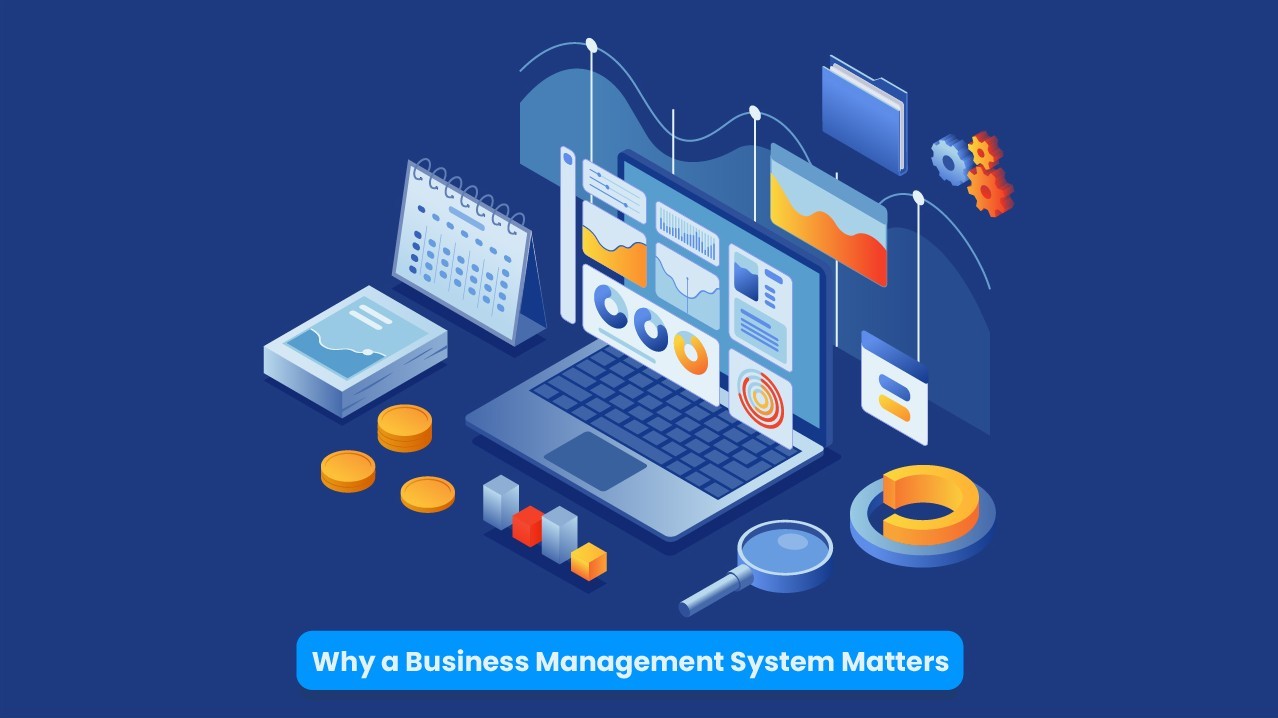
Why a Business Management System Matters

In today’s fast-paced business world, efficiency is everything. Whether you run a small startup or a large enterprise, staying organized, managing resources effectively, and optimizing workflows are essential for growth. This is where a Business Management System (BMS) comes in.

What is a Business Management System?

A Business Management System is a set of tools and processes designed to help businesses streamline operations, improve productivity, and make data-driven decisions. It integrates various functions like finance, inventory, customer relationship management (CRM), human resources, and more into a single platform, reducing the need for multiple disconnected tools.

Why Your Business Needs a Management System

1. Increased Efficiency and Automation

Manual processes slow businesses down and increase the risk of errors. A BMS automates routine tasks, such as invoicing, payroll, and reporting, allowing employees to focus on more strategic activities.

2. Better Decision-Making with Real-Time Data

A business cannot grow effectively without accurate insights. A BMS provides real-time analytics and reports, helping business owners and managers make informed decisions based on reliable data.

3. Cost Savings

By automating tasks and integrating different functions, businesses reduce operational costs. Less time spent on administrative work means more resources can be allocated toward growth and innovation.

4. Improved Customer Relationship Management

A good BMS includes CRM tools that help track customer interactions, sales data, and support tickets. This enables businesses to offer better customer service and build stronger relationships.

5. Scalability and Growth

As your business expands, managing operations manually becomes overwhelming. A BMS grows with your business, ensuring that processes remain streamlined and efficient even as demand increases.

Final Thoughts

Investing in a Business Management System isn’t just about convenience—it’s about staying competitive in an evolving market. Businesses that embrace digital solutions position themselves for long-term success by reducing inefficiencies, improving decision-making, and enhancing customer satisfaction.

Are you ready to take your business to the next level? Implementing a Business Management System could be the key to unlocking your company’s full potential!